Impala Studios · 2024
Calculator for iOS
At Impala Studios I redesigned Calculator for iOS to make everyday calculations faster, clearer and more flexible.
Alongside improving the core experience, I helped establish a scalable design system and interaction model that let the product keep evolving long after the redesign.
Project overview
Role
Senior Product Designer
{{ m.k }}
{{ m.v }}
Impact
Challenge
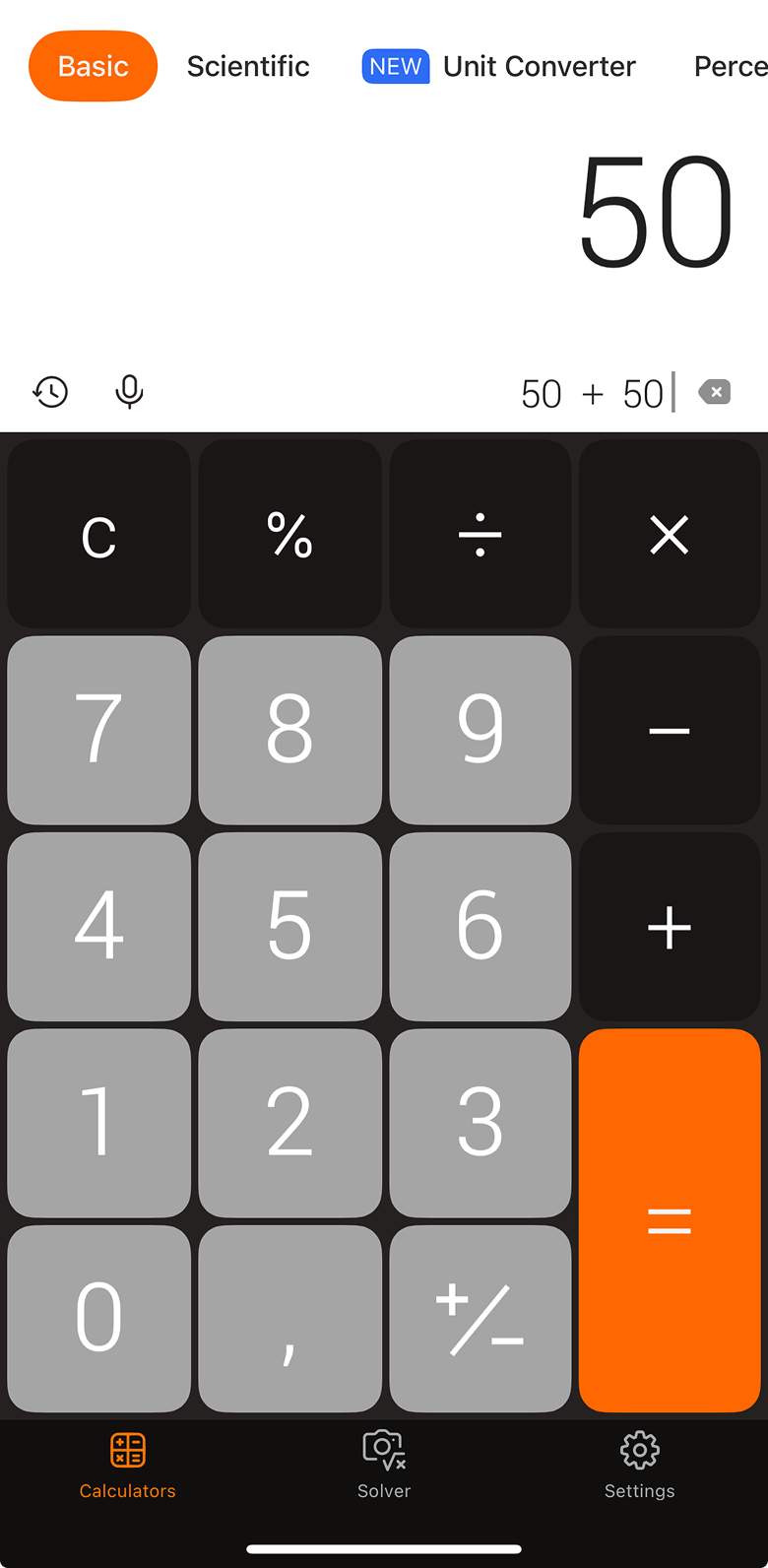
The original app solved one problem well. As functionality was added it became harder to navigate, scale and maintain — every feature meant another set of screens, and another tab competing for space at the top.
My role
I led the UX and UI redesign, working closely with Engineering to define the interaction model, reusable components and design system. I also mentored a Product Designer, helping establish the workflows and foundations that allowed the product to keep growing after my involvement.
Process
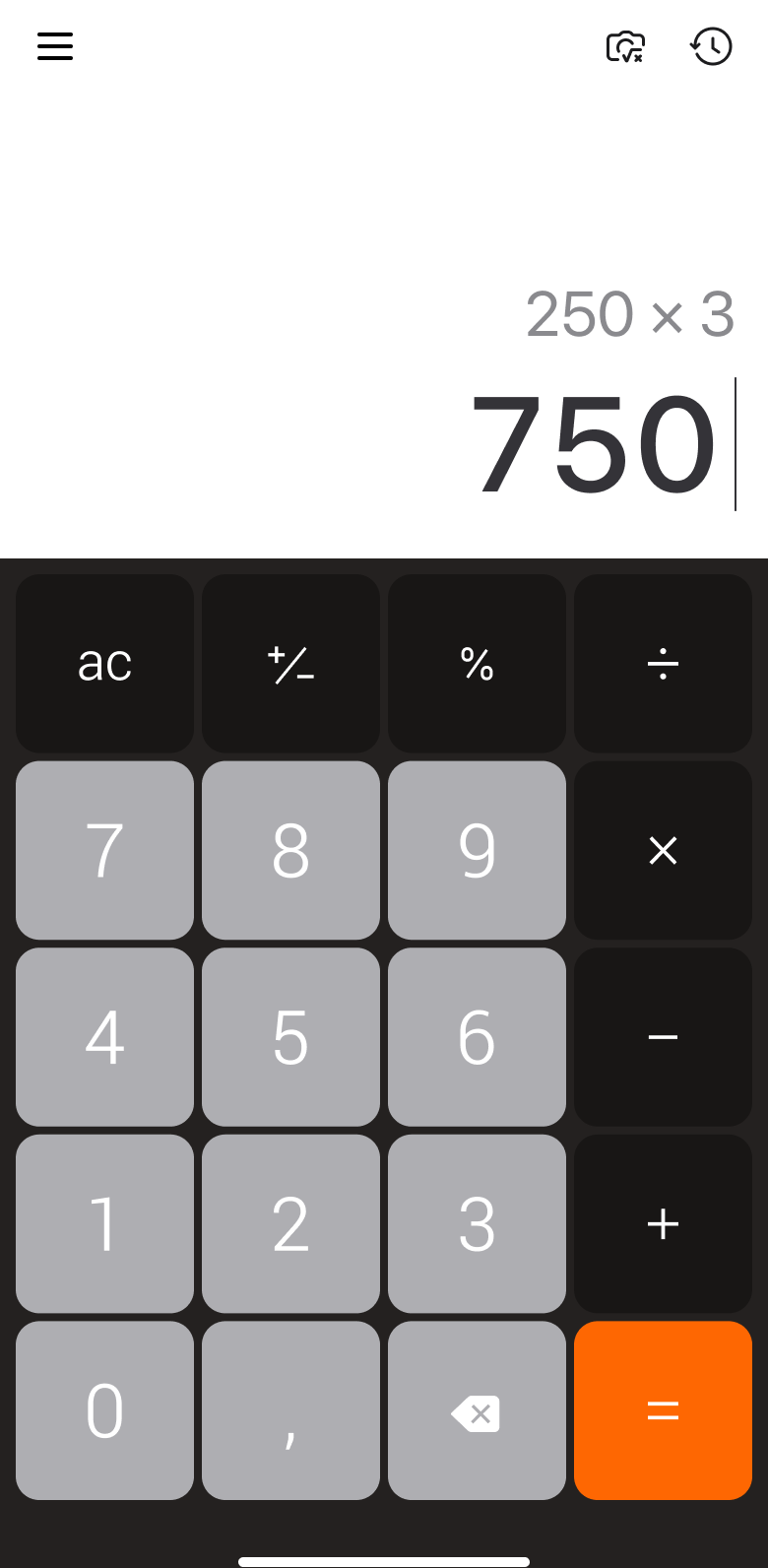
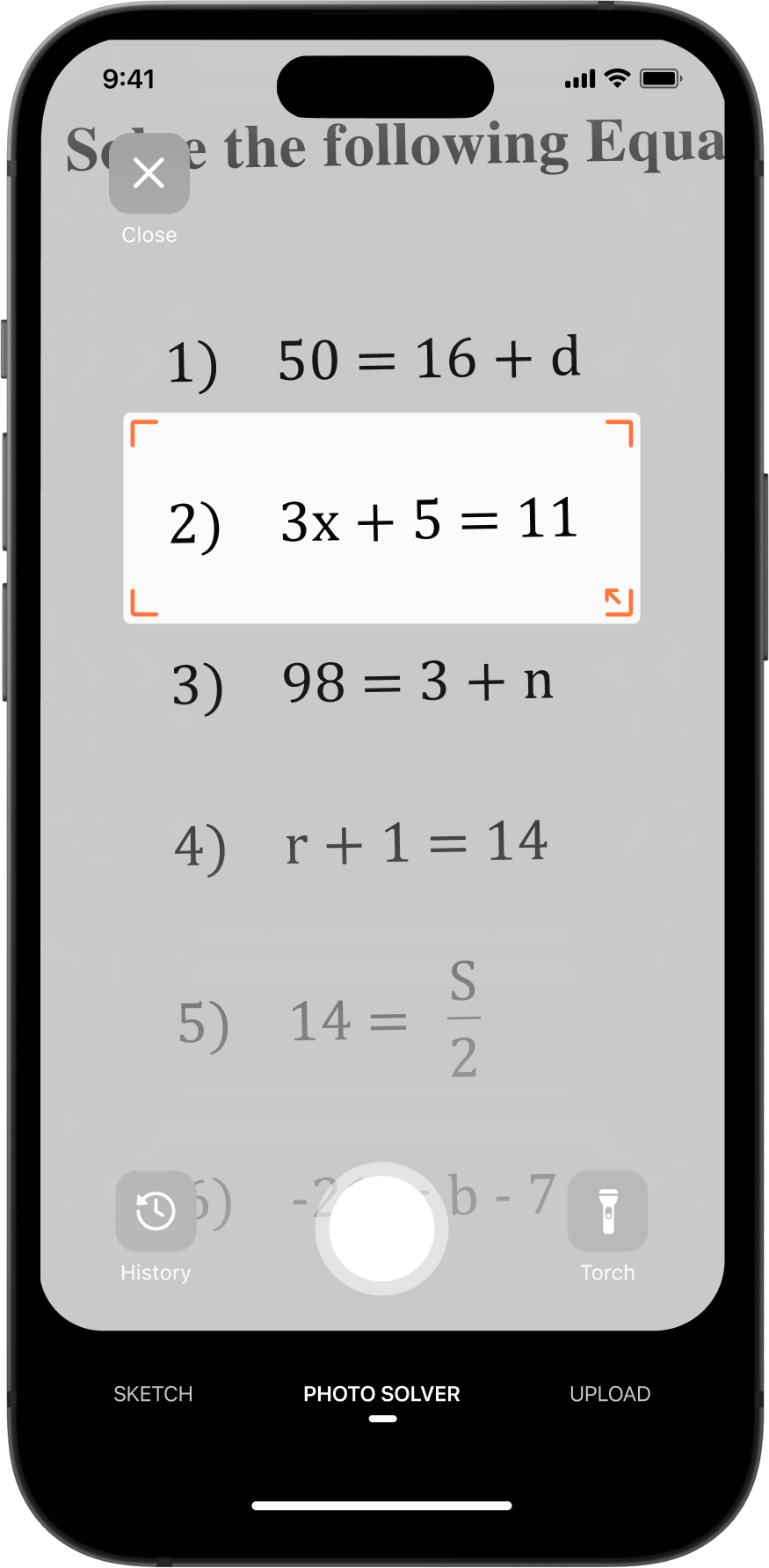
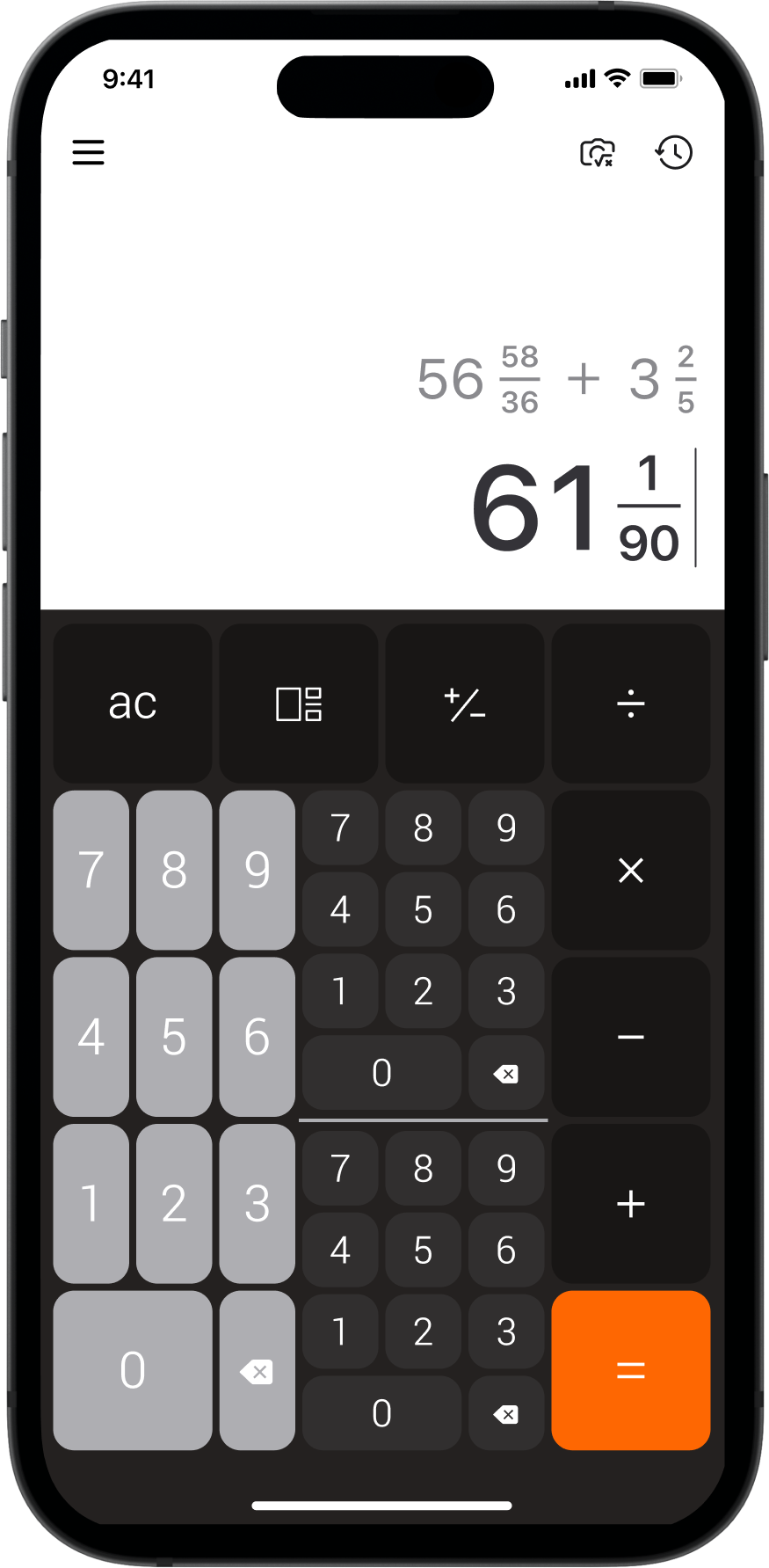
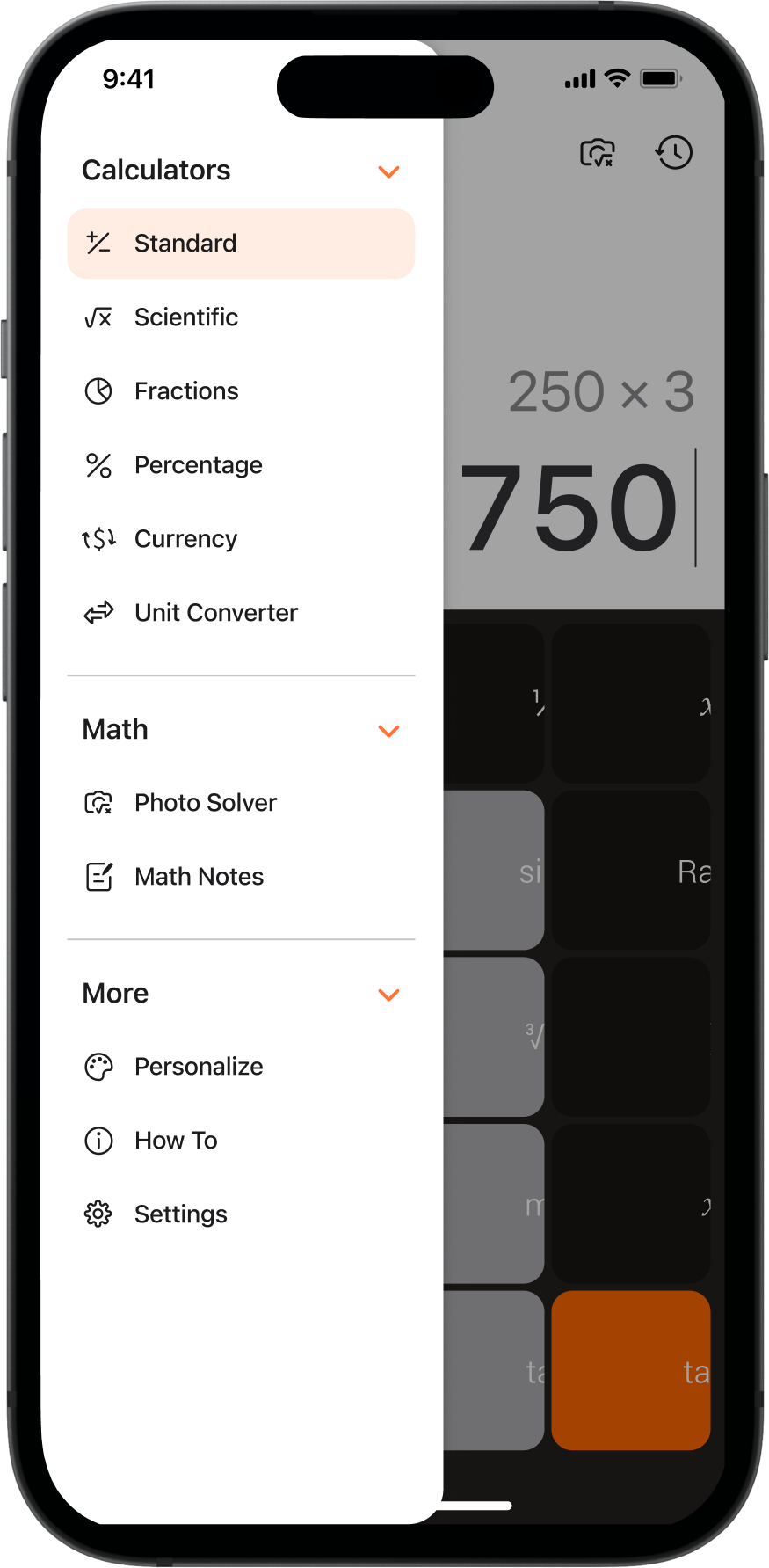
Removing the segmented navigation gave the screen back to the calculation, and left the menu room for features we hadn’t built yet. The keypad grew deliberately: much of the audience is older, so bigger targets made the app easier to use.
Product walkthrough
Continuous iteration on a product people already relied on — adding capability without costing the speed of a calculator.
01 — Calculator
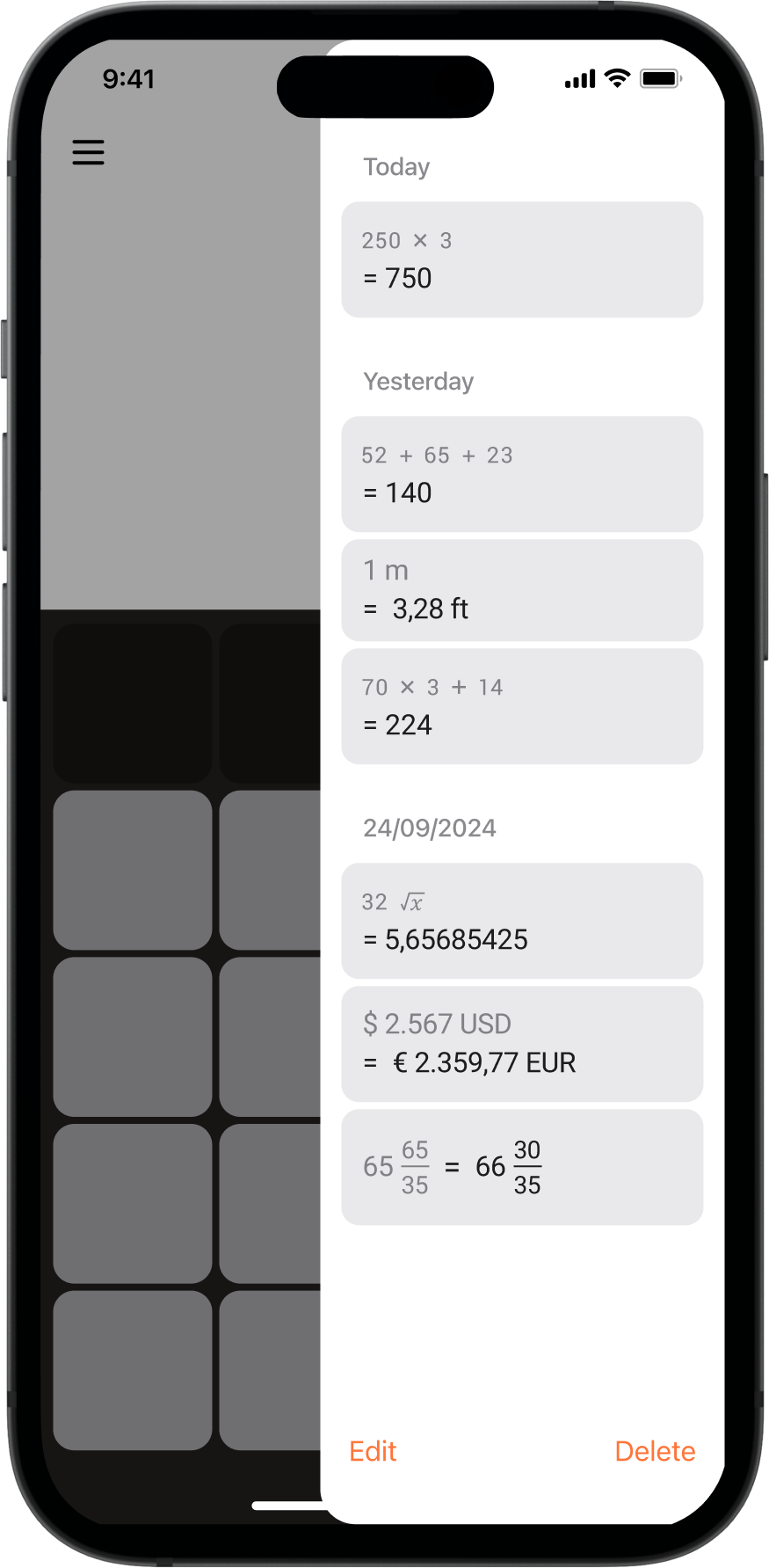
The everyday calculator, with the screen given back to the calculation.
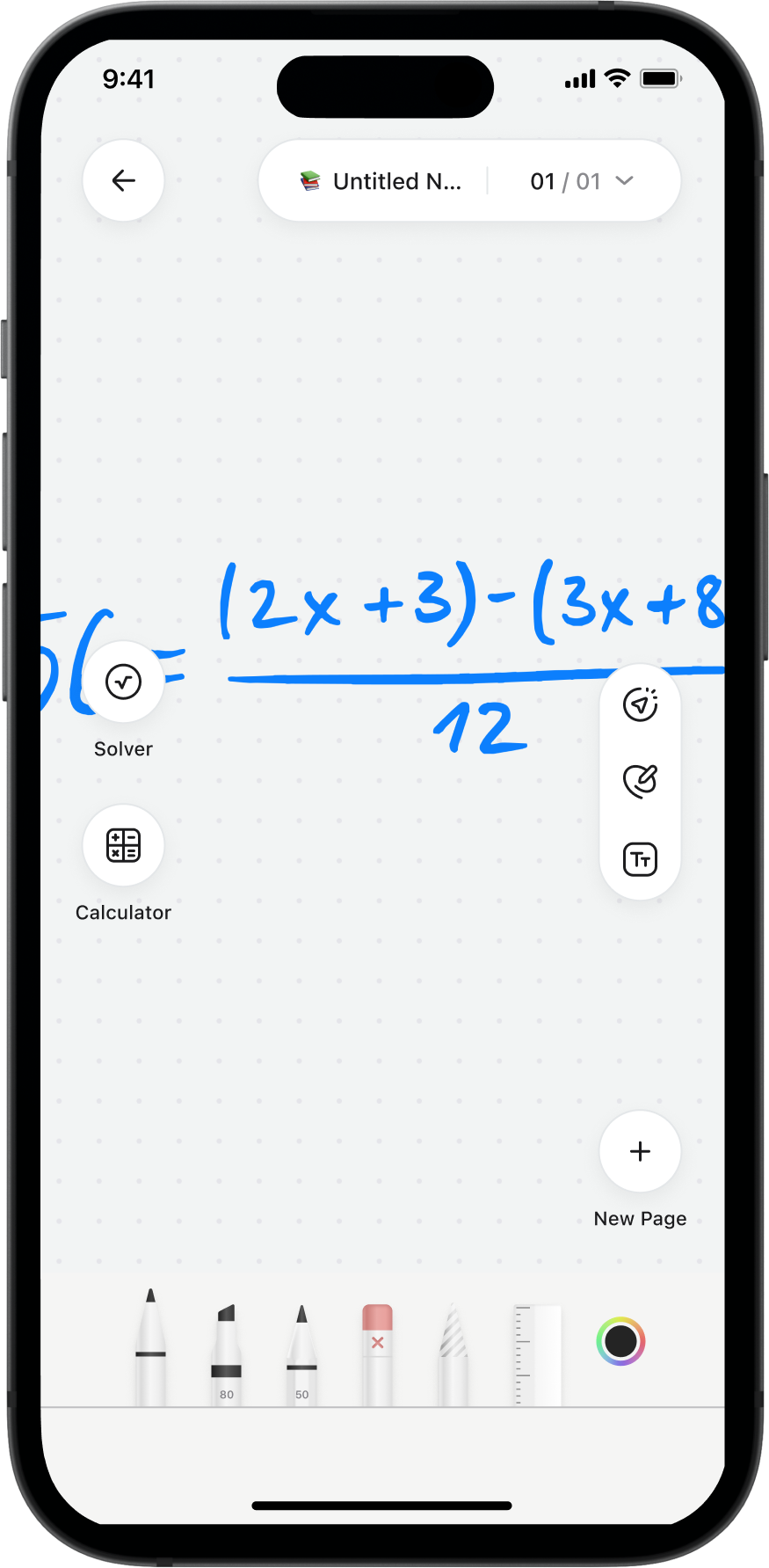
Ask, not type
Recognising handwriting was the straightforward part; the question was how someone asks for the answer. With Engineering we chose the underline — a gesture people already use on paper. In testing, nobody had to be told.
When testing changed the product
Maze testing showed the newer features weren’t being discovered. They tested well once people found them — nobody was looking.
So we changed how they were introduced rather than redesigning them: one hint at a time, spread across sessions instead of onboarding, and nothing at all for a feature someone had already used.
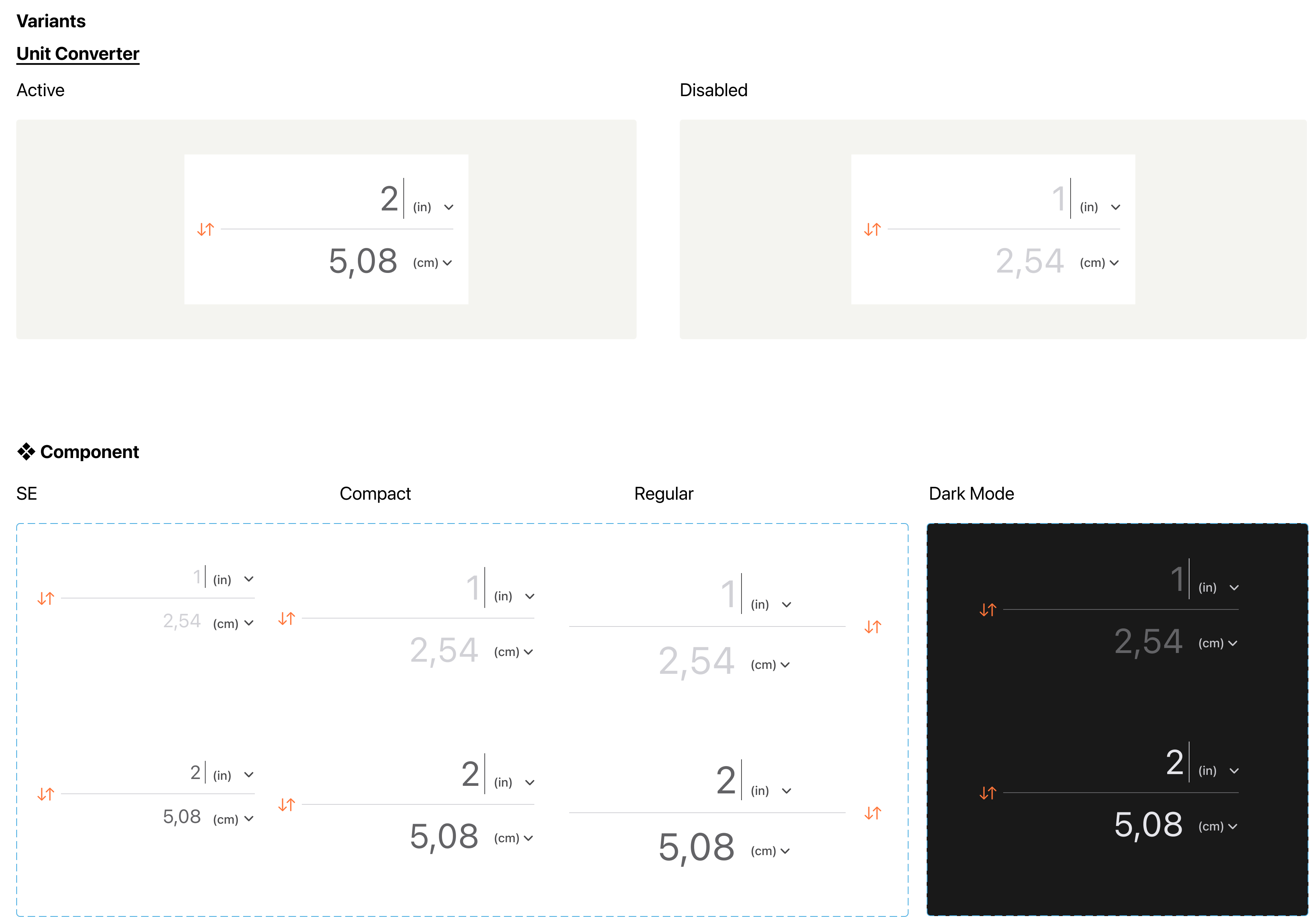
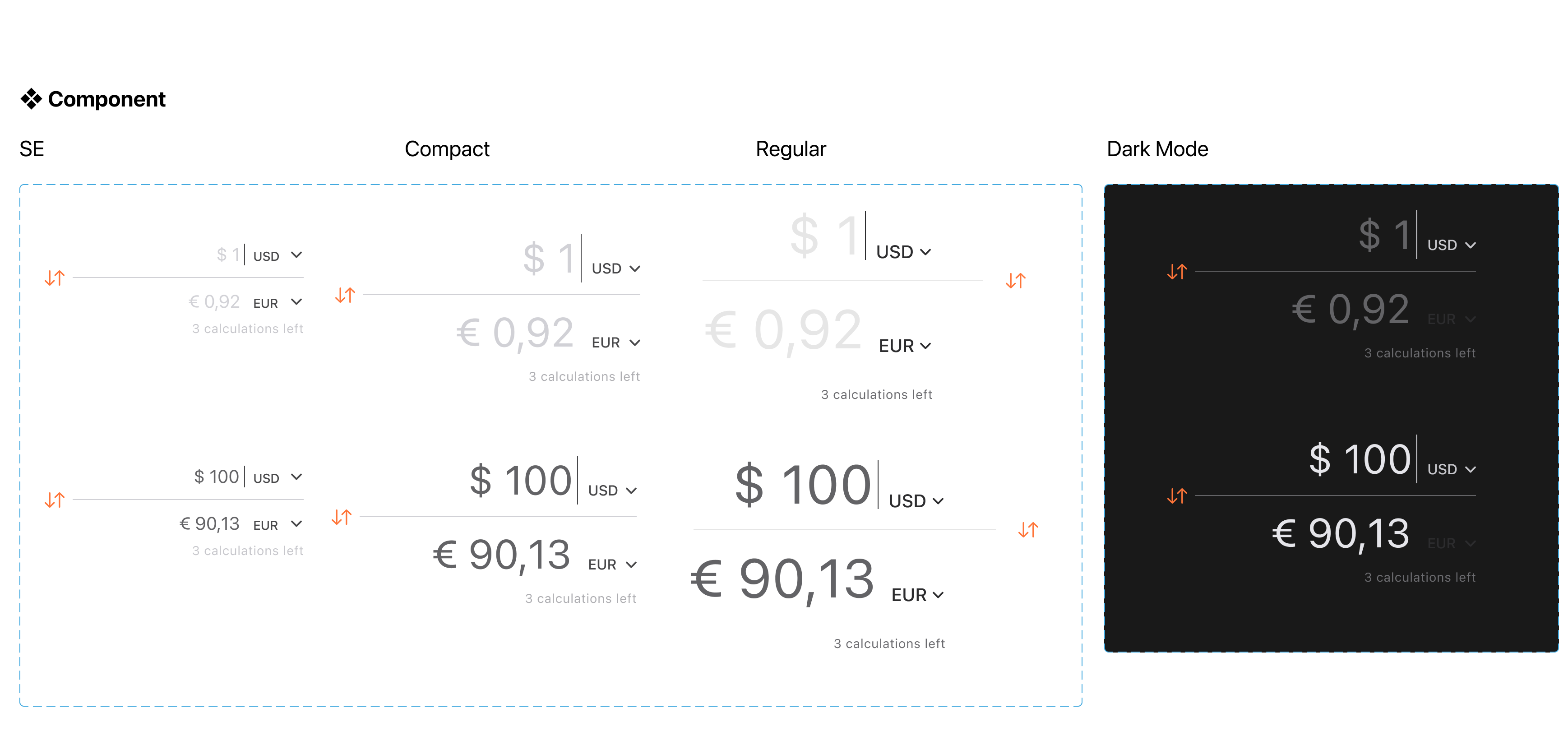
One component, many contexts
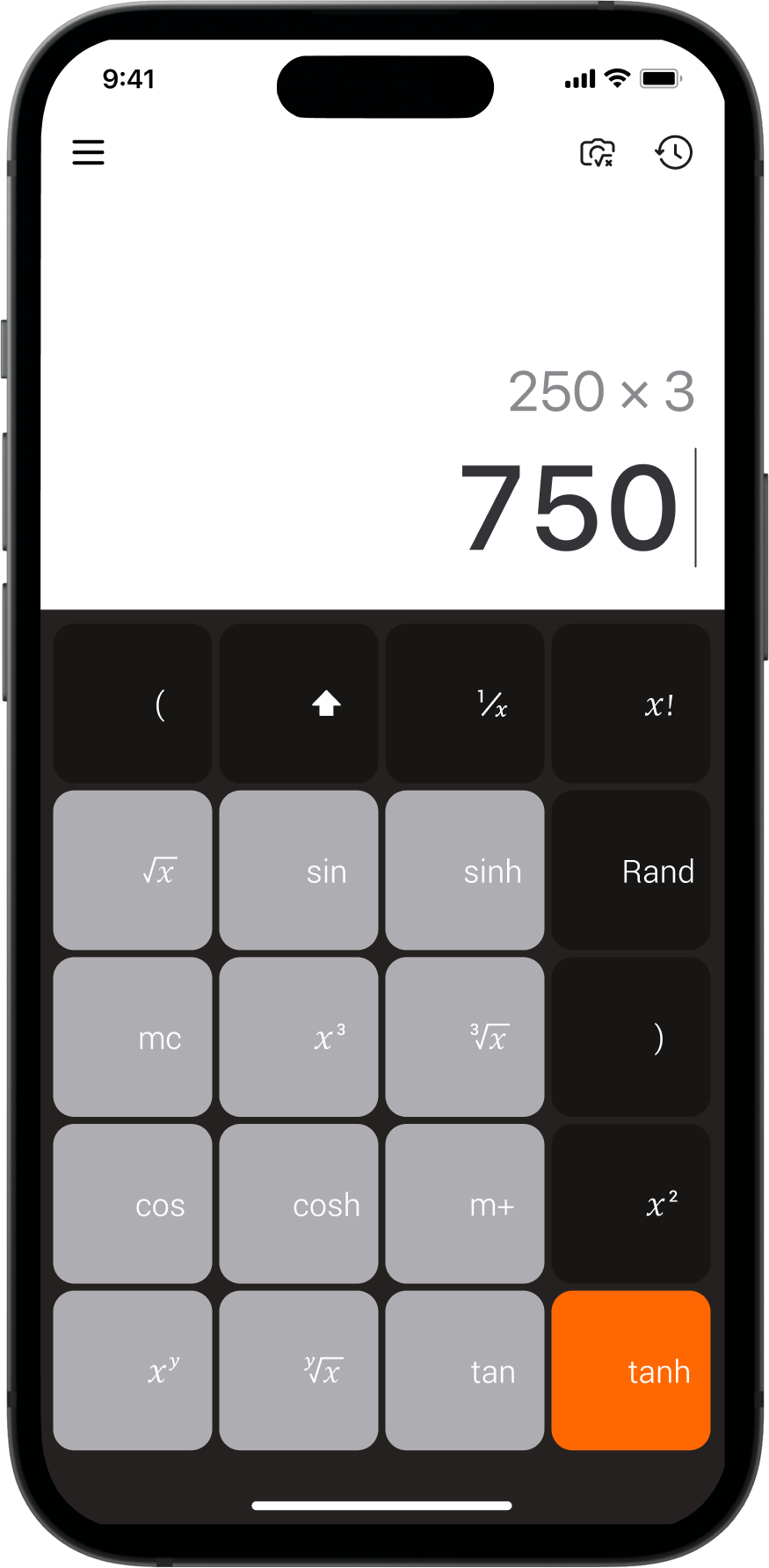
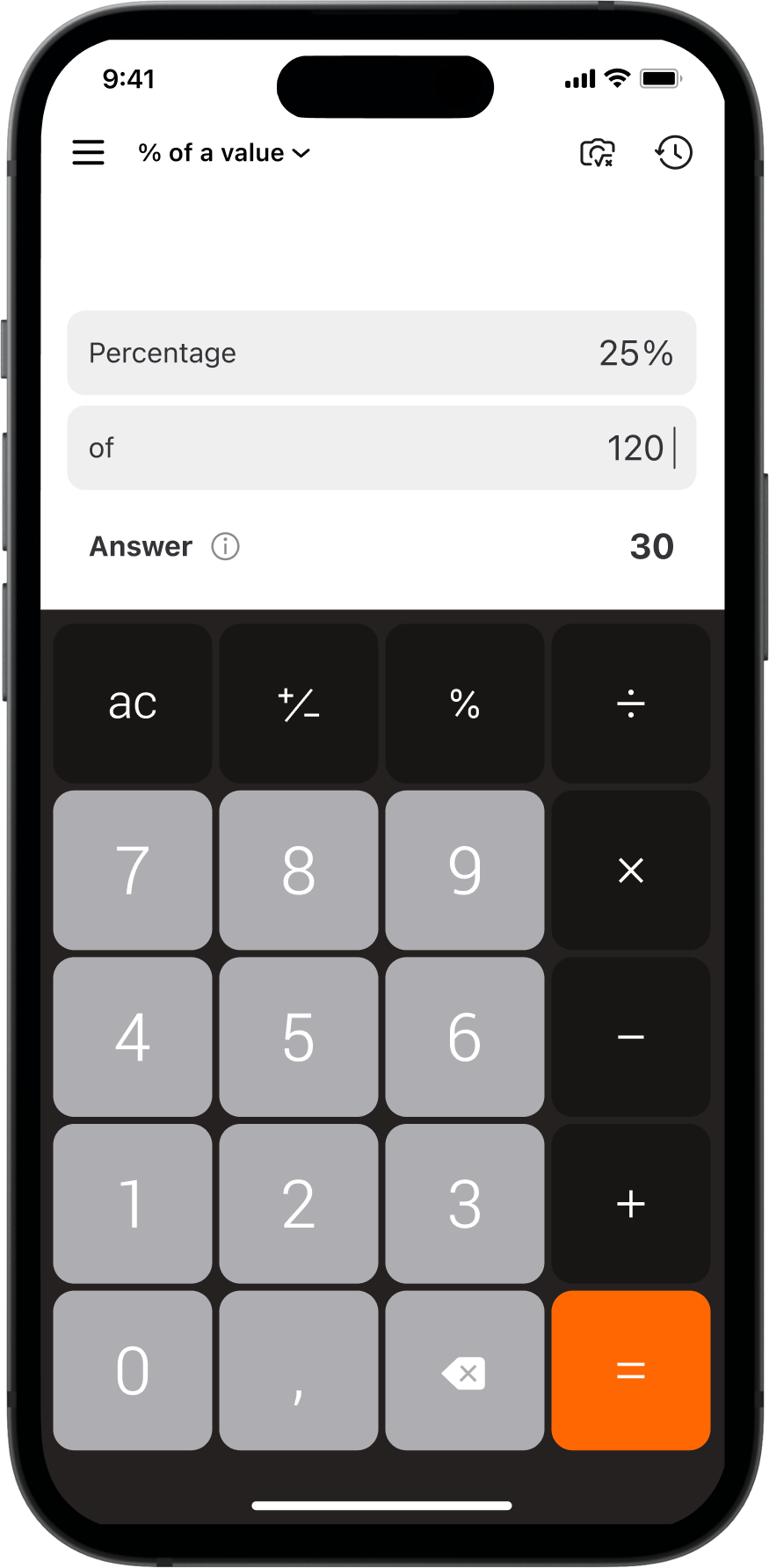
The design system was built around reusable components and variables, making it easier to introduce new features while maintaining consistency across the product. Rather than designing isolated screens, we created a flexible foundation that supported the product’s continued evolution.
I led the work with the product team, supported by a Design System Designer who introduced the variables workflow.
Mentoring
I split ownership of the product with a mid-weight Product Designer. She owned several of the calculator experiences; I reviewed her work, ran critiques and helped develop her product thinking — and she kept that ownership after I left.
Outcome
The redesign contributed to a 15% increase in downloads, while the design system became the team’s working foundation — still in use for releases after mine.
What this means for you
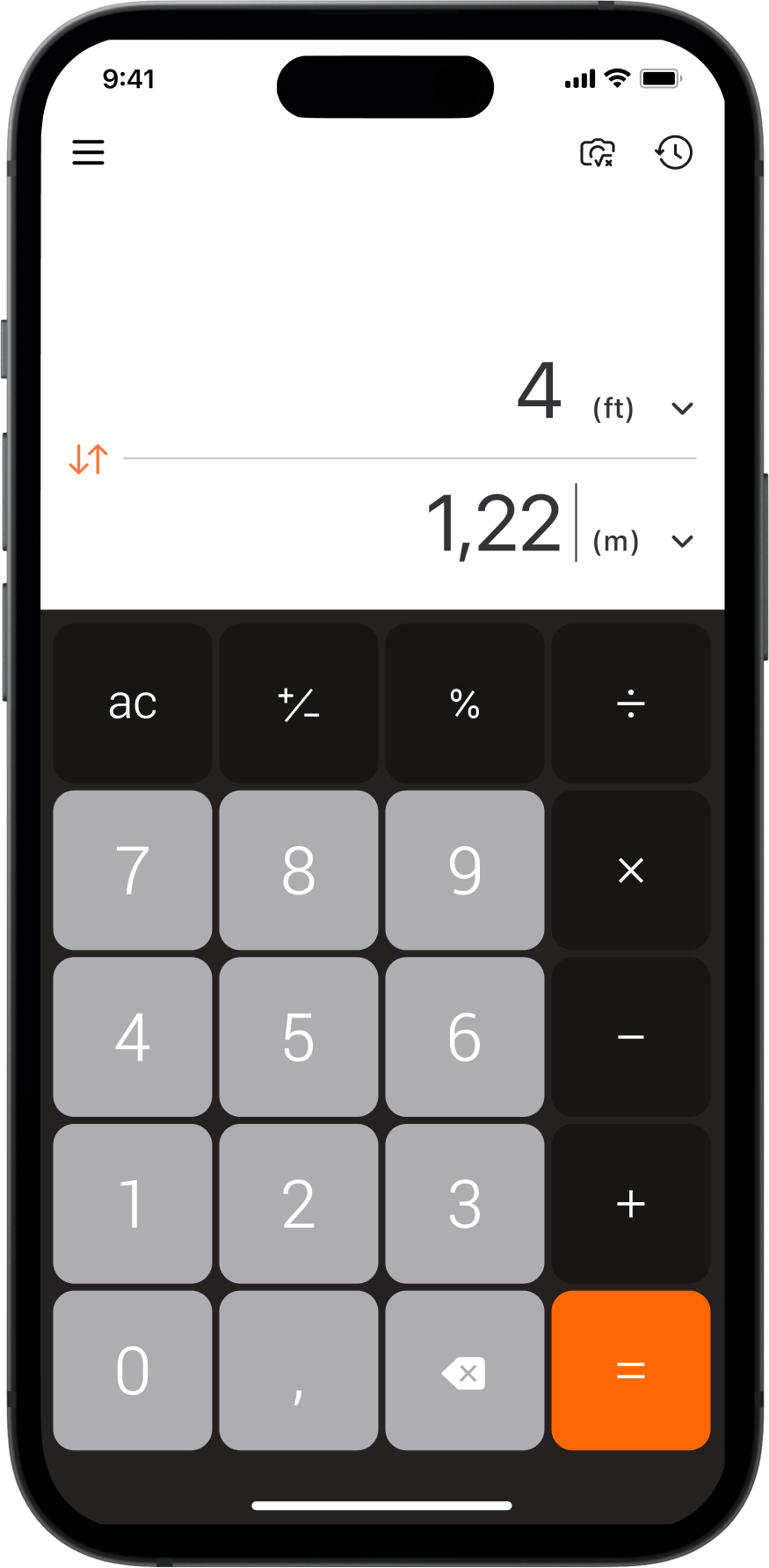
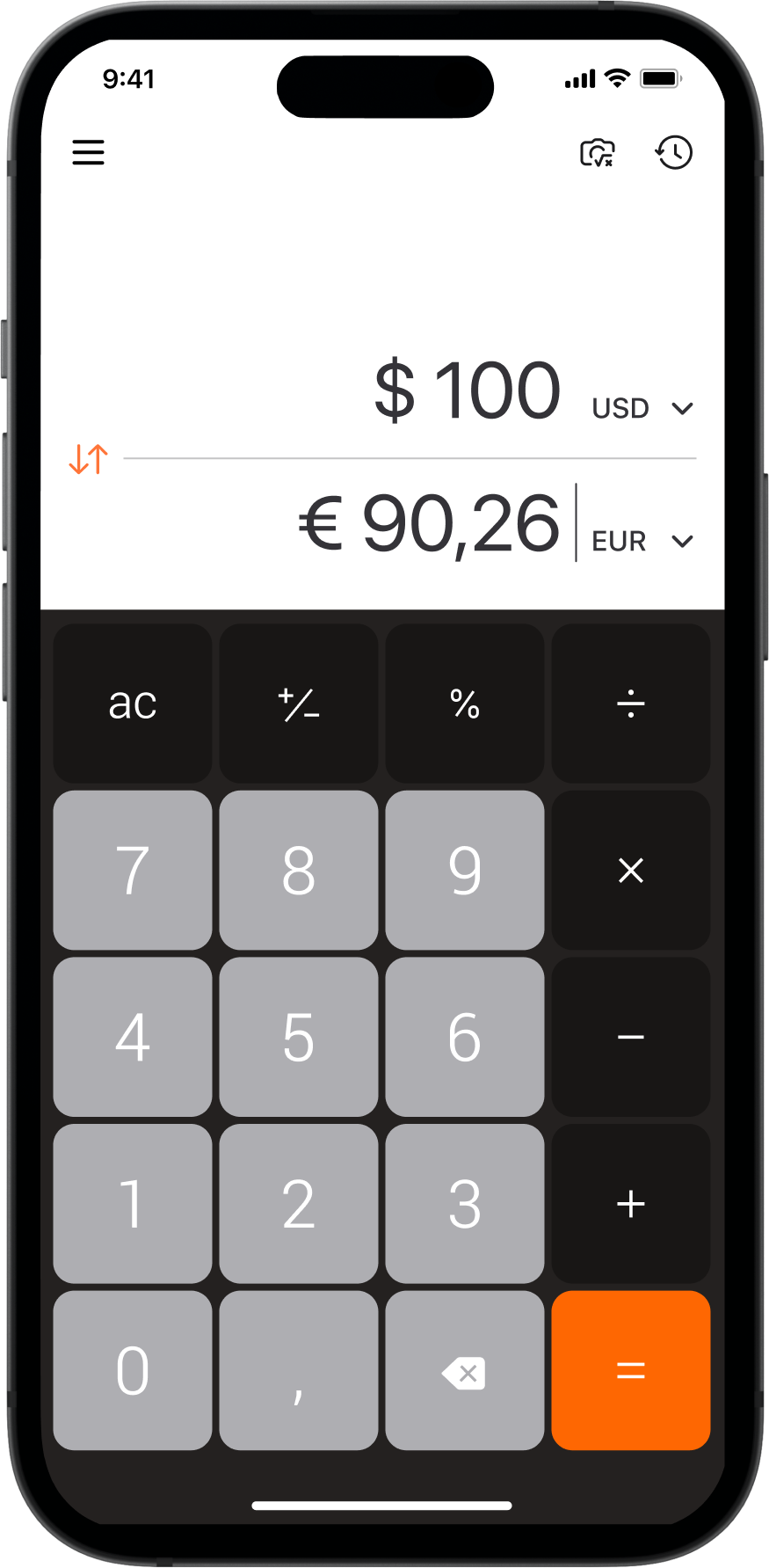
Calculator showed me where the real risk sits in a mature product. It isn’t the new feature — it’s what that feature costs the people already using it happily. Handwriting, photo solving and conversion had to arrive without making an everyday sum slower or less obvious, which meant designing the foundation first and the features second.
I work the same way on any product with an existing audience: find what people rely on, protect it, then build the system that lets everything else grow around it. If you’re evolving an established product, that discipline prevents new capabilities from undermining the experience people already trust.